How to discover new music?
An extensive guide on how to discover new music. TBC.

Updates and notes from the Radio4000 project.
Tag
8 posts
Last updated: (2965 days ago)
An extensive guide on how to discover new music. TBC.
While using Radio4000 each user are building a library of sounds. All the tunes added in your radio, its name, description, compose the data associated with your account on the application.
You own this data, all content you add on Radio4000.
Therefore you should have the possibility to always have this data stored where you would like. Radio4000 is simply a space online where you can store and edit it.
Hello!
Today a new feature appears on the site, tracks search.
On top of now being able to search any radio tracks, and find the one you want to play, you can from today listen to a selection of tracks from a radio.\
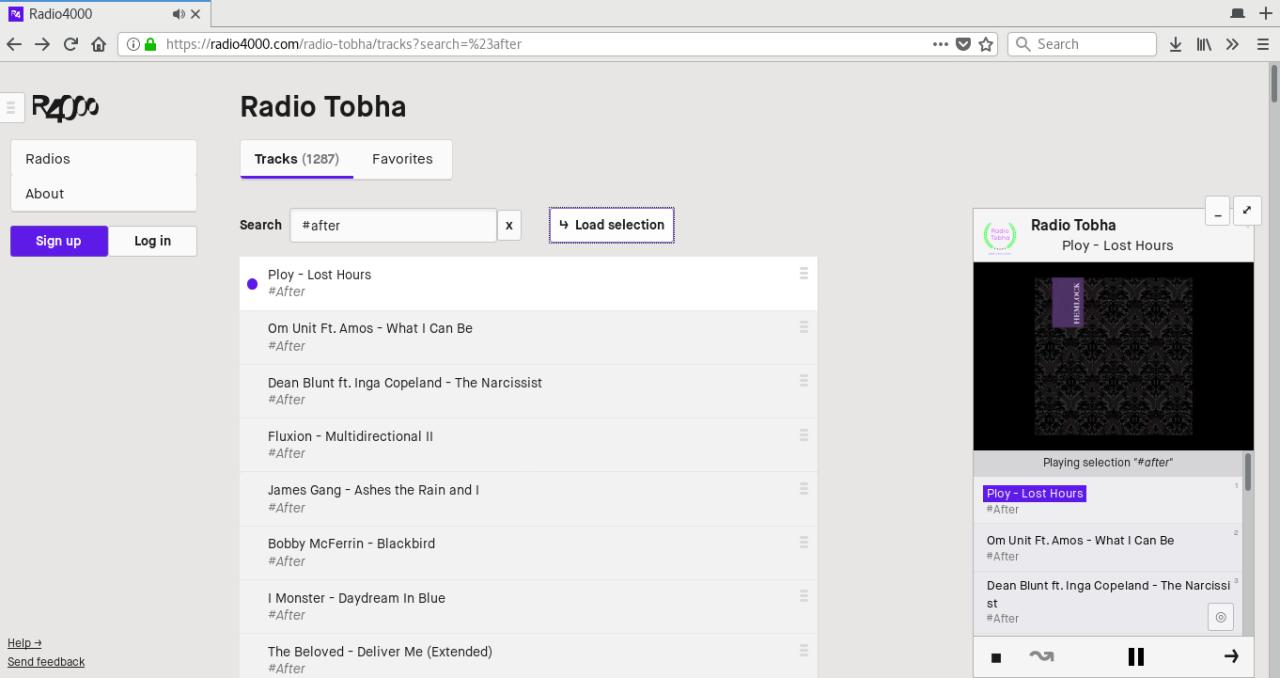
Fig 1. playing selection “#after” from Radio
Tobha
That’s right, you can try it now, go to any radio (of course, yours
too!), and explore the list of tracks. Just search for something, and if
there are any results press the “load selection” button to listen to
everything in the player.
You enjoy discovering and sharing music on Radio4000, but you would like the experience to be done without the mouse, keyboard only?
We just implemented new Keyboard shortcuts to improve your time on the site. find the full up-to-date list on in the support center.
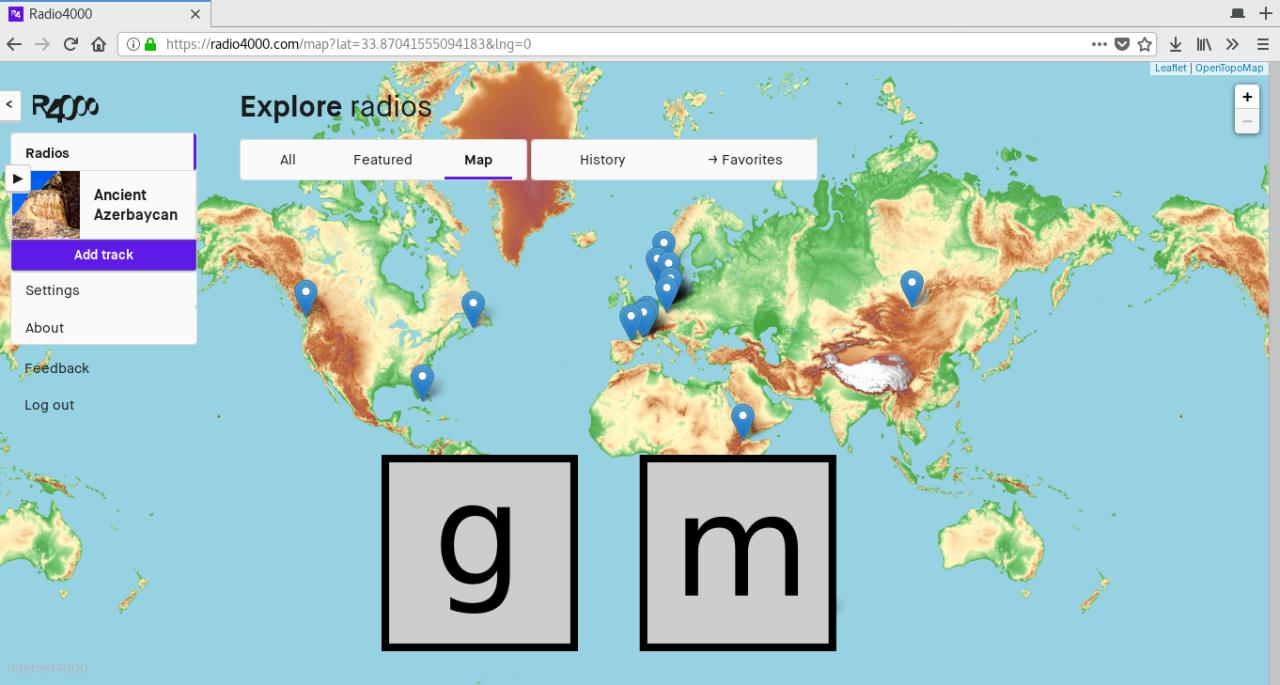
Fig 1: keyboard shortcut `g m`, “go to map”
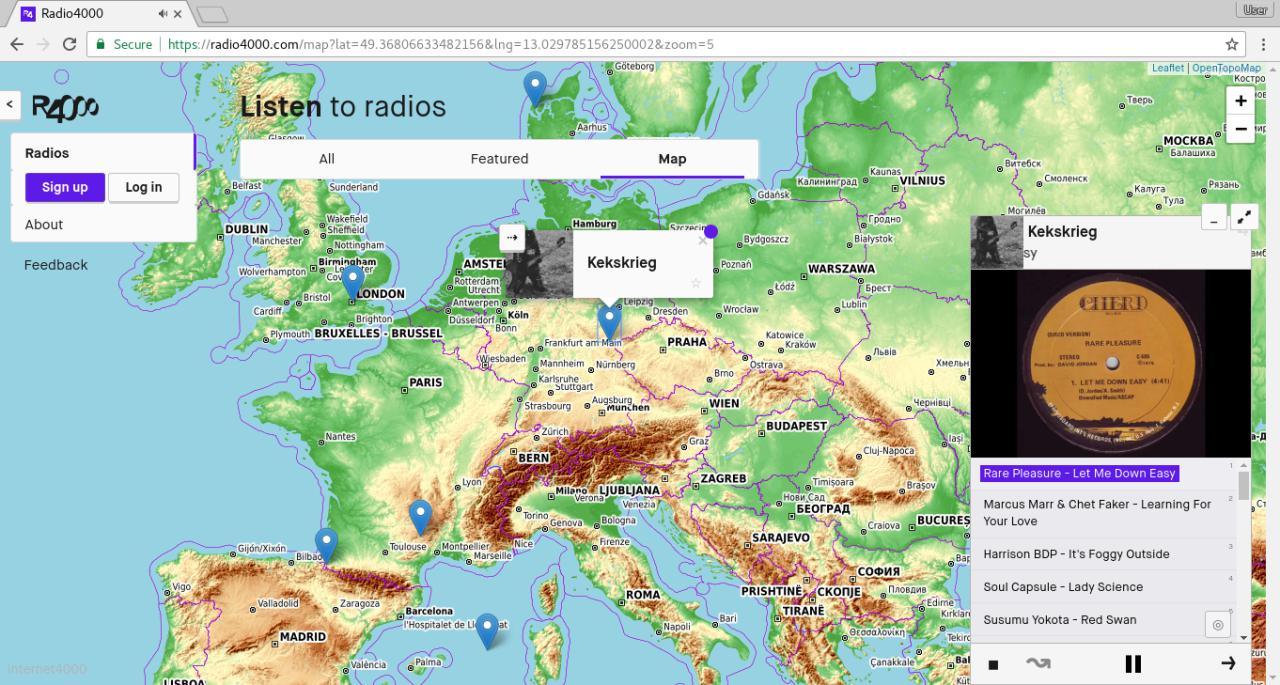
There is a new way to discover Radio4000 channels online, a map of the world.
As of today everyone can position their Radio4000 channel to one location in the world. So can you!
There are no restriction, nor any obligation. As always freedom first. You only decide if and where you would like your channel to appear on the map; where your body resides or your heart belongs, it is and will remain your choice.
From today you can embed your Radio4000 onto any other webpage. Meet RADIO ARKOV.
You need to add to your site the following snippet of code. You will find the right code to be copied at the bottom of every Radio4000 radio page.
You can customize the values in pixels of `width` and `height` of this `iframe` HTML element to suit your design needs. If you look closer, you will see the part in the `src` property, ending with `?slug=arkov`. Replace `arkov` for your radio slug and it will work too! Not something to remember, just fun to know.
Hello there,
just wanted to share with you two good tips to start listening to a
radio as fast as possible.
Let’s take a radio, could be yours, could be anyone else’s, let’s
say balls, radio4000.com/balls, hi
balls!
When you want to play this radio
on radio4000.com, you will probably type the
address of radio4000 in your web browser, then visit the radio page
before finally hitting the play button or a track on the chosen radio.\
Features & How-ToPlatform & Operations
Yes, Radio4000 now officially has an API!
api:
https://api.radio4000.com
documentation & code:
https://github.com/internet4000/radio4000-api
This means you can now use the public data from Radio4000.com (such as the radio channels and their tracks) to create any softwares, hardwares, websites or applications.\
What is an API?
An API (application programming
interface)
can take many aspects and is a term generally used in software
development. In the current case we could summarize it as a set of tools
and specifications defined (here by the Radio4000 team) to help
developers apprehend and use data made available through the API.\