Category

Releases & Updates

14 posts

Last updated: (92 days ago)

Radio4000 (v3) is live

The new Radio4000 is now live on radio4000.com.

There are many new features and improvements to check out, but amongst our favorites:

  • Control multiple decks
  • Broadcast what you’re listening to live, and anyone can tune in and share your good times
  • Listen to any radio in “auto radio” mode. The name is maybe a bit confusing, but really it’s just a mechanism that plays all tracks in a channel on a fixed, shared schedule so everyone will listen to the same thing. Ala radio.
  • Much easier search, filtering for tags, sorting of tracks
  • Batch-editing of all your tracks
  • Custom themes you can design yourself
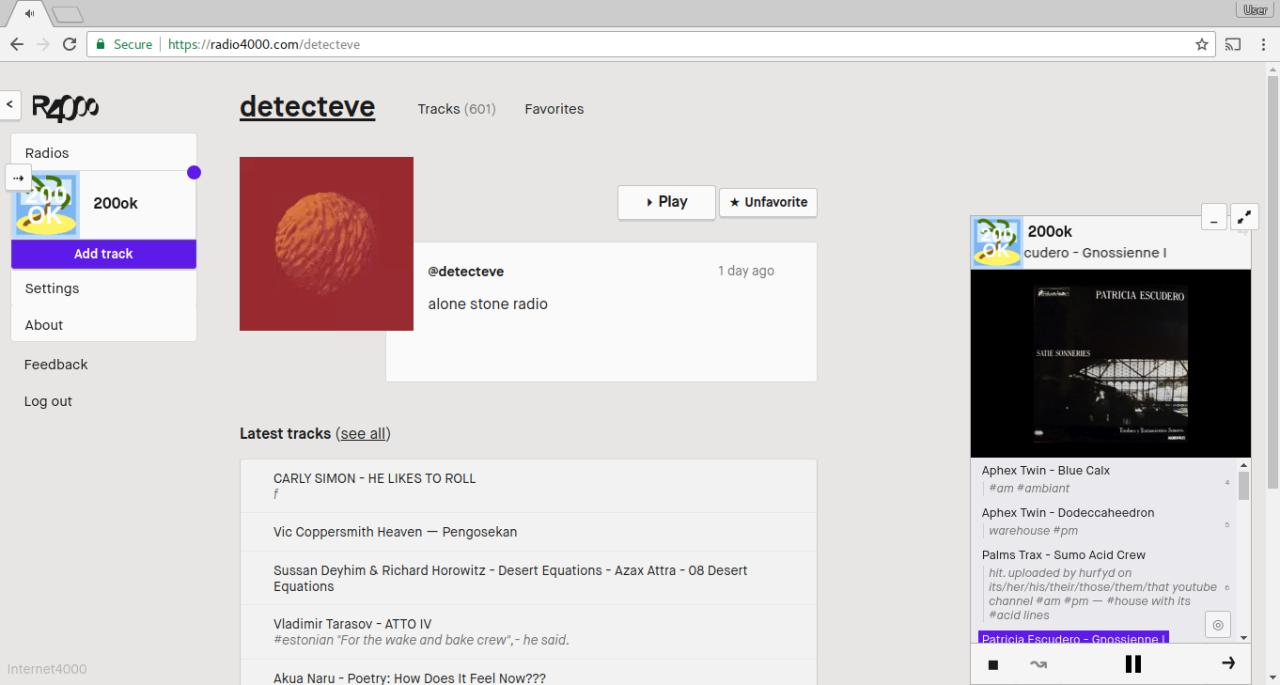
Twelve years and a new beta

Update: as of April 2026 the beta is over — Radio4000 (v3) is live on radio4000.com.

pssst…

https://radio4000.com

… and come chat with us on Discord and Matrix.

Ten years & version two

TEN years later and Radio4000 is still online.

This is quite something and tonight we will celebrate. As of now April 2024, if you open https://radio4000.com today, for the first time in a loooong time, it is new.

We’ve archived the old site on https://v1.radio4000.com and put it in read/listen-only mode.

To continue operating your radio, first create a new account, then migrate your channel on https://migrate.radio4000.com. If we could have done this for you, we would have.

2018 recap

What’s happened to Radio4000 in the year 2018? Let’s see.

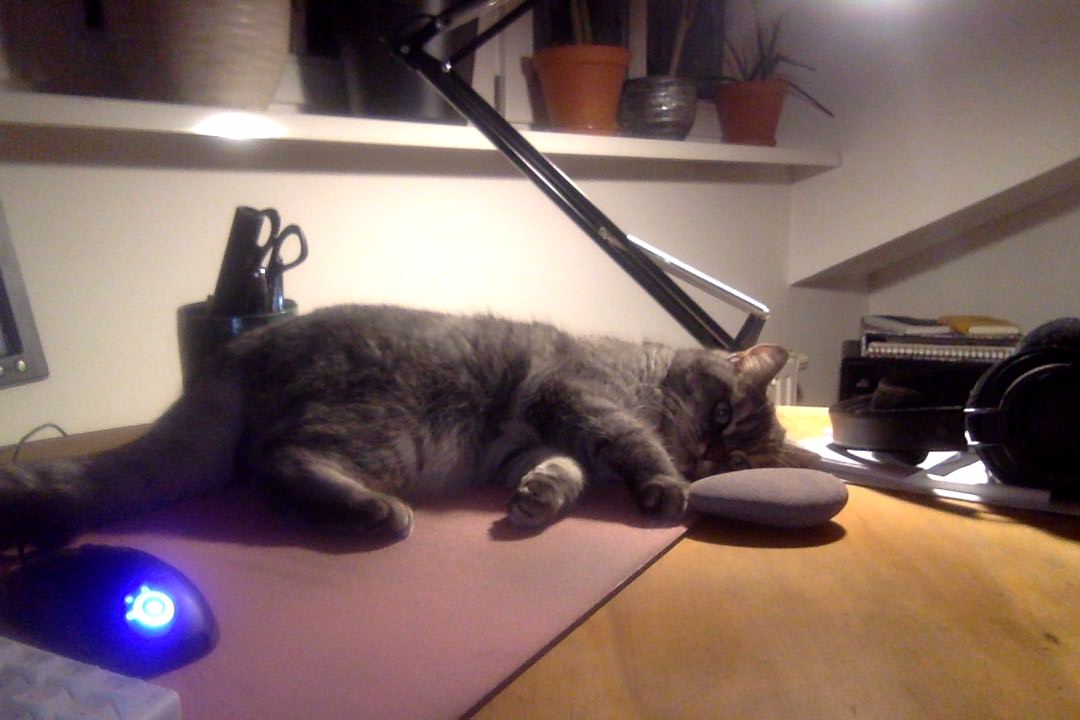
the R4 office cat relaxing while we write this blog post, just after new years

You can search the tracks in a radio and listen to just that selection.
More on https://blog.radio4000.com/posts/search-tracks-listen-to-results

Example: https://radio4000.com/lili-raid-over/tracks?search=%23beat.

You can connect a Discogs release to your youtube tracks. When you do it, we try to add both genre, label and year to the description of the track. This works nicely with the seach feature. Speaking of Discogs, we also made an alpha version of a “Explorer for Discogs”. Check it at https://explorer.radio4000.com (source)

Radio4000 version 5

Good evening!

Tonight Radio4000 gets updated to a new major version (github#v.5.0.0). We’re happy to introduce some new features, and an effort to harmonize the overall experience across the software.

It is coming in with a new radio channel homepage and a new design now including the latest 10 tracks. A new subpage therefore appears under your radio, /tracks. This choice aims to help improve loading performances, and usability such as easing the experience of adding a new track to one’s radio.
We also hope in close future to add insights on these amazing lists to help you understand what it contains, how to dig it, and how it can be organized.

Radio4000 has a new player

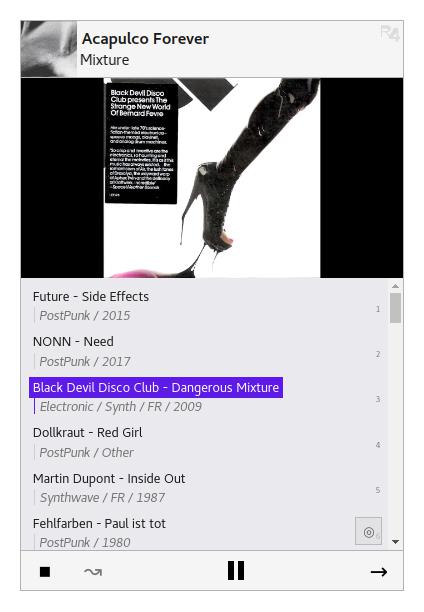
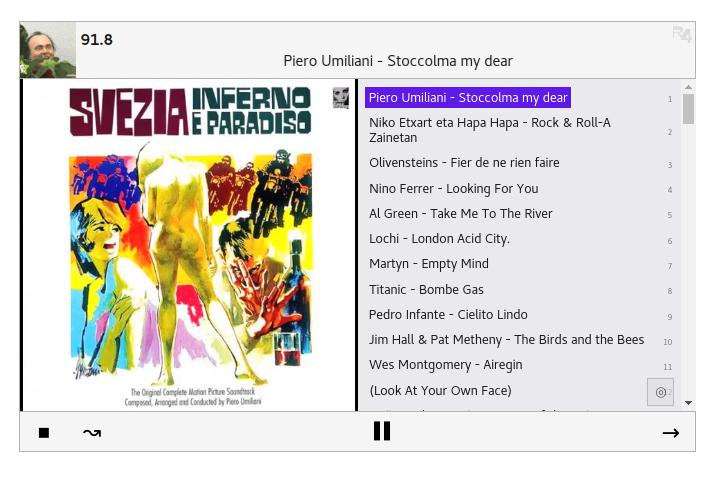
Radio4000 has a new player. It has been deployed to all users since some days and will also allow anyone to embed and customize a player (or many) with any radio on their site.

It is written in javascript, html and css, the code is available on Github, radio4000-player package under npm.

There is a new design for Radio4000

There is a new design for radio4000, as well as a new logo, and some new features:upgraded @usernames radio4000.com/your-usernamelogin with an email (use Email, Google, Facebook)link your Radio4000 to your Email, Google and Facebook, use any of the three (or the three) to login to your accountfilter radio channels be better serendipity; order them by last updated, age, or alphabetic ordersimplified navigation through the app and radio directorysend us a feedback or ask for help fastercontrol Radio4000 on your Android device when your screen is locked (works with Firefox browser)public API comming soon!

It’s the small things…

A new update is out on Radio4000 — it’s now faster to add a track to your radio. Whereas before you’d have to go to your radio and first then tap add track, now you can add directly from anywhere on Radio4000.

If you’re not already using the bookmarklet, you should try it out. After you’ve saved the bookmarklet it’s only two-taps to add a track while you’re browsing YouTube.

Radio4000 updates to version 3.3! What’s new?

Radio4000 updates to version 3.3! What’s new?In order to explore radios faster, we’ve added a “play ‘n shuffle” button on the radio channel cards. Try it, tap it as many times as you like, we think it makes listening much more fun. Your favorite radios are taking the place of the “most popular radios” section directly on the homepage.We’ve also started implementing a new design for radios, further innovations can be expected in the upcoming versions.HTTPS protocol comes in to improve security of communications between your devices and Radio4000 (Note: we recommend you to use this browser extension, https everywhere, that forces https on every site you visit).Finally, one small but useful change; to share the current track being played, copy its link from the player bar at the bottom.We’re already working on the next version for Radio4000, you can expect non-intrusive notifications to let you know when radios you like have added new tracks.One last keyword, customization.Have a good week, maybe this track from last week’s featured radio, Sugar Hiccup, can help shape it.

v3.2.0

Time flies and so does our new copy on the website. It should be clearer what everything is now. Following along that, you will see that channel descriptions are now everywhere, on a channel detail or on its card — tell there what your channel is about.

We also streamlined the header and player design while preparing for the Ember 2.0 update which should make everything leaner.

Oh, and we added a cheesy loading screen in fifty shades of languages.

v3.1.1

Today version 3.1.1 of Radio4000 is out!

When have included a bunch of new features, here is a small list:

  • URL have changed! Find your channel directly at radio.com/yourRadio instead of radio4000.com/c/yourRadio. Easier to remember, more logic but remember to update the links pointing to your radio. 
  • There is now a big Play button on every radio to listen to it straight when you open it.
  • You can now see when a radio was last updated. So each time a music is added to a radio it refreshes its “last updated” date.
  • On the discover page “All Radios” now have the card styles, that means more space for images instead of list as a default display.
  • The Bookmarklet has been improved so now it does not close the youtube video you were currently listening to
  • … also some other small bug fixes, clearer text and contextual informations to ease your use of r4!

Hope you like those improvements!

v3.1.0

Hi — today we’ve been upgrading Radio4000 and it’s live!

  • More images
  • a bookmarklet to easily add tracks directly while you’re browsing YouTube.
  • filtering and search is back on Discover
  • everything is faster with the new Glimmer rendering engine from Ember.

All in all the best Radio4000 so far!
As usual, if you need help, have feedback or any other inquiries just use the way to contact us you prefer, please!

Site Update, May 2nd 2015

What is new?

  • support heavier images and .gif
  • mobile design of the playback
  • performances
  • no more new radio prompt when you already had one

If you have a question or feedback you can send it to us via the comment of this post or on the Radio4000 Google group

Older logs

An internal timeline of things we pushed on Radio4000. Posted here so it doesn’t get lost in the internet.

[v3.0.0] 02.05.2015
Images, autosearch, bugs, design

[v2.0.0] 07.03.2015
Redesign, tabs, favorites and followers and tons of other improvements

[v1.2.0] 09.01.2015
Now you can shuffle

[v1.1.1] 01.01.2015
Fixes

[v1.1.0] 21.12.2014
On the world’s shortest day we managed to improve everything. We rewrote the playback functionality and performance is much better.

[v1.0.0] 25.10.2014
First real version where everything is working

[v0.2.0] 14.09.2014
Rewrote almost everything

[v0.1.5] 12.08.2014
Nothing new but sun and drinks

[v0.1.0] 01.06.2014
First working version

[v0.0.0] 01.03.2014
Development begun